
Professional Voice Alert Production
Turn Your Alert List IntoReady-to-Use Voice Files — Fast
Send us your SCADA/HMI alert list and receive a complete package of clear, consistent, professionally produced voice files — ready for integration.
Fast turnaround. Consistent quality. Cost-effective for large alert volumes.
From a few alerts to large batches — delivered fast, consistent, and ready to use.
- Alert List
- Voice Production
- Named Audio Files
- Ready for SCADA
- Every file reviewed by a person before delivery
- One consistent voice across hundreds of alerts
- Built for control, monitoring, SCADA, security, industrial, and logistics systems
See it in action
Generic alarms make you search. Descriptive alerts make you act.
See the difference in 26 seconds.



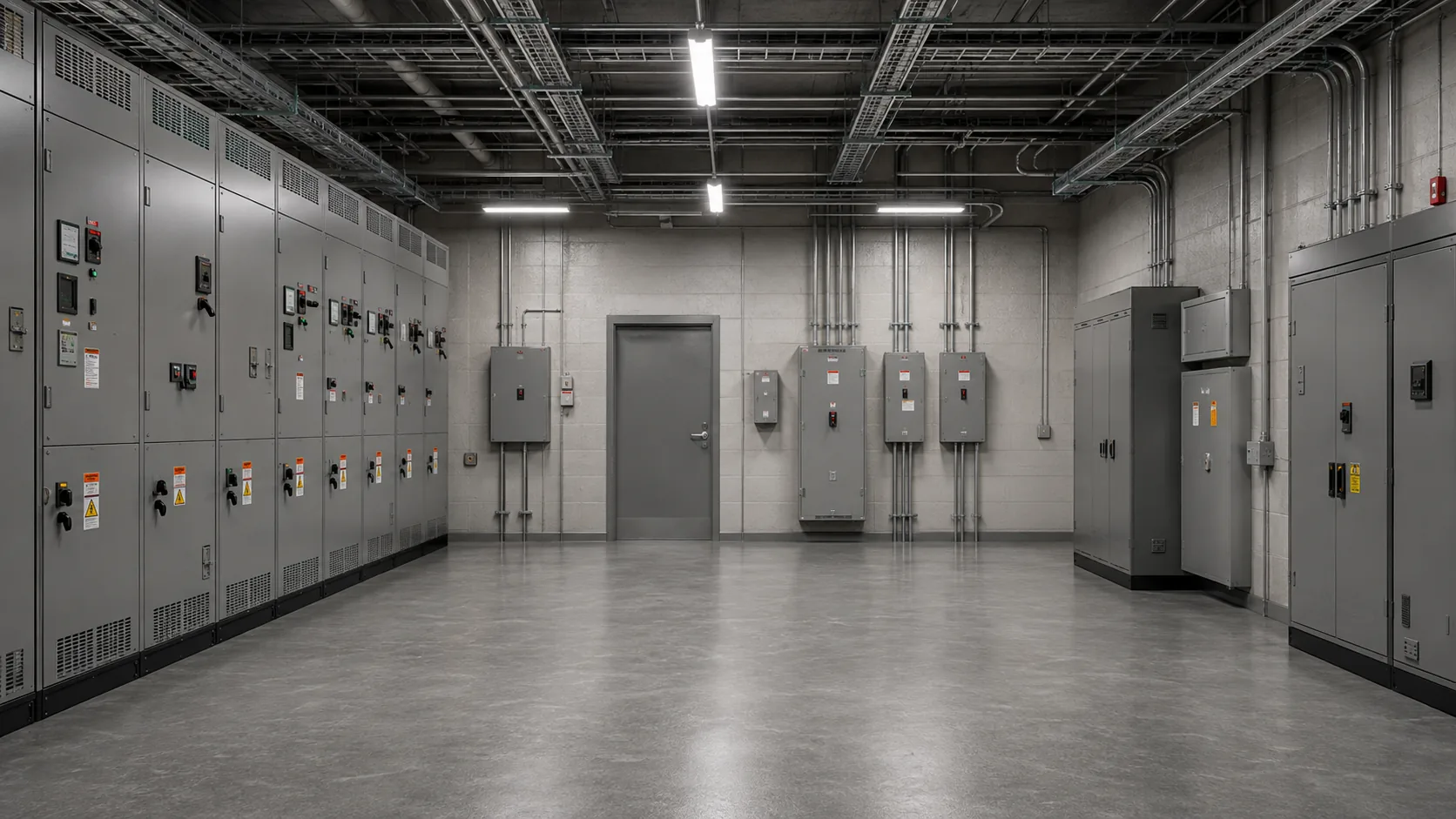
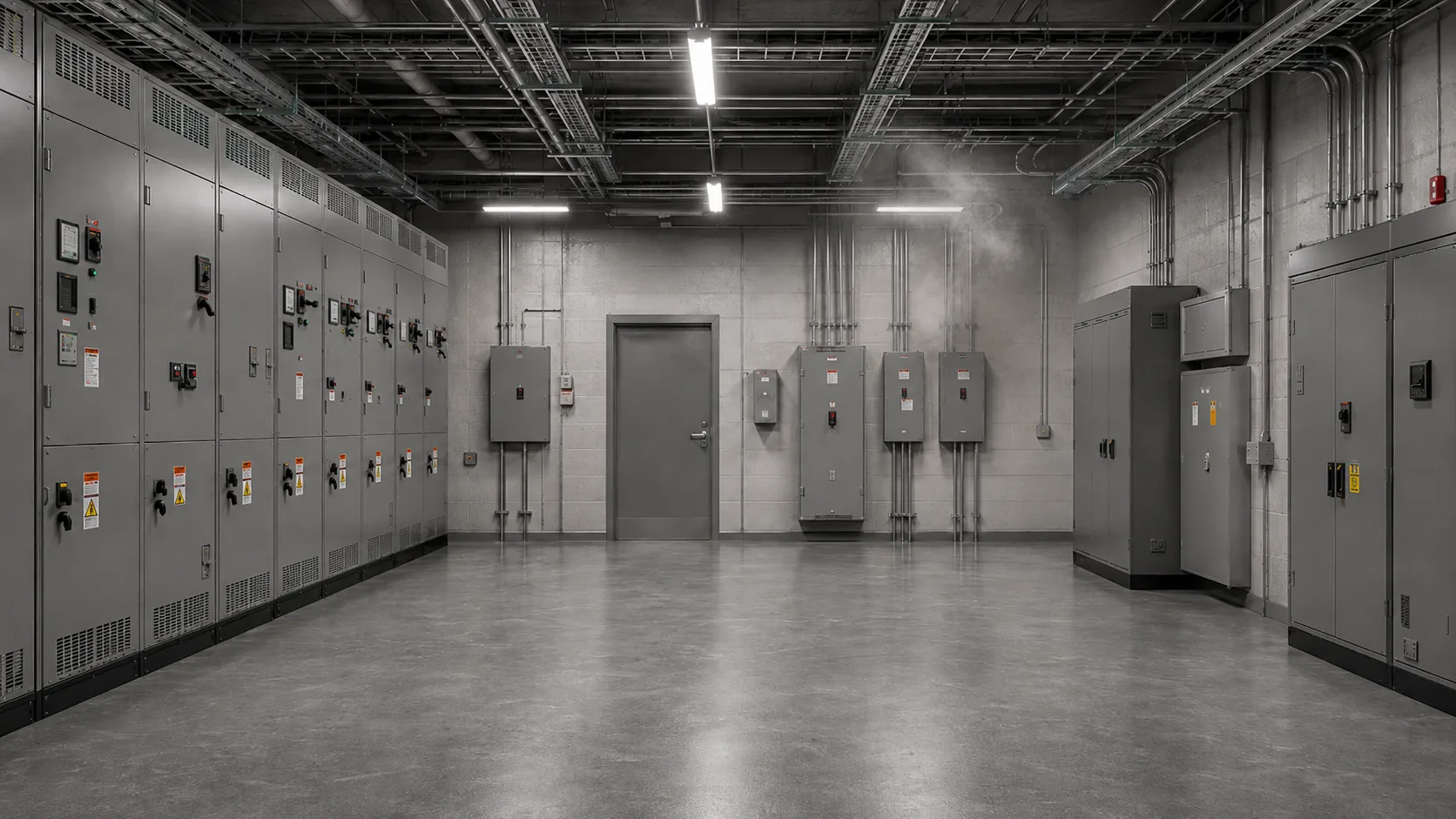
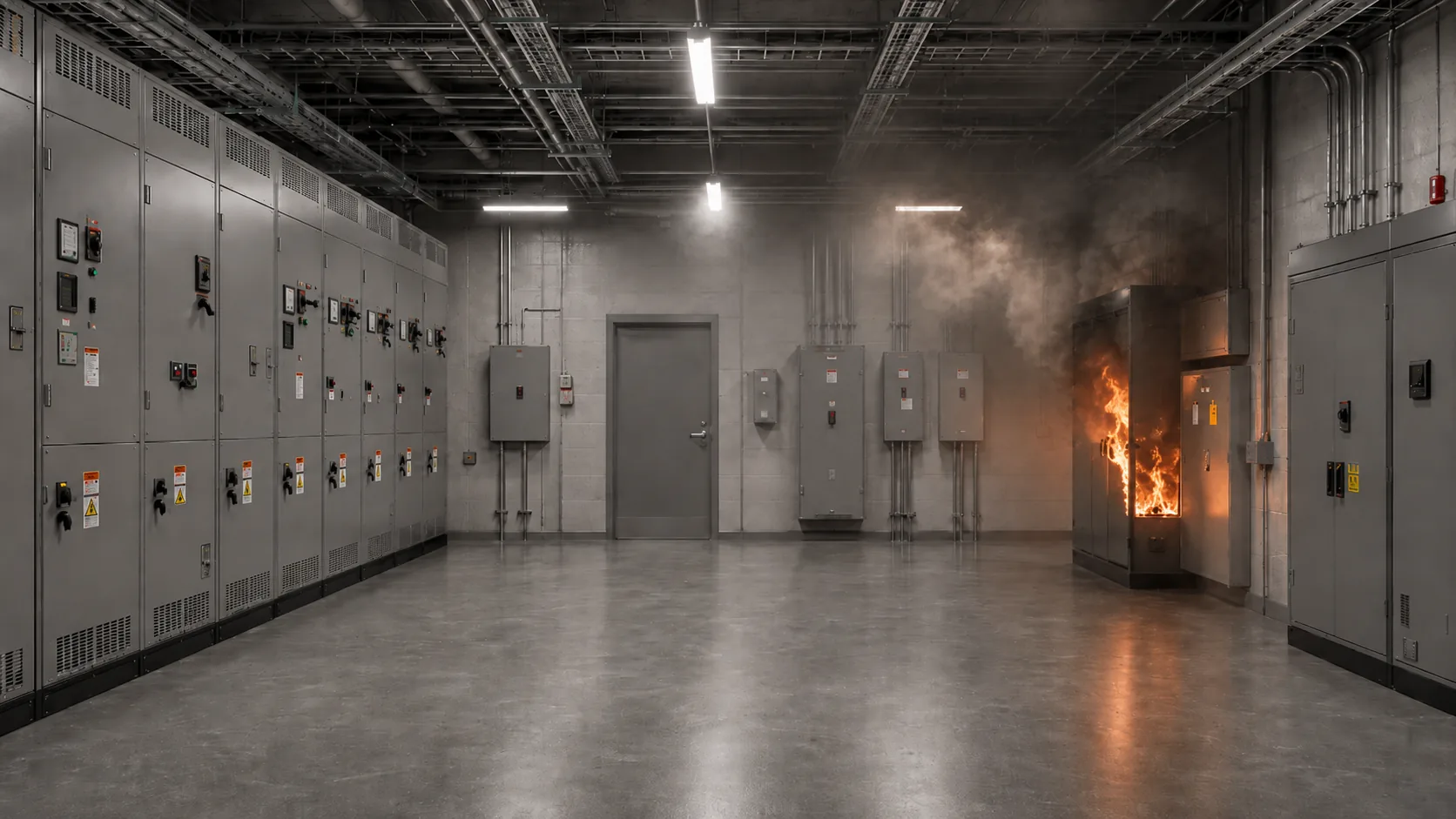
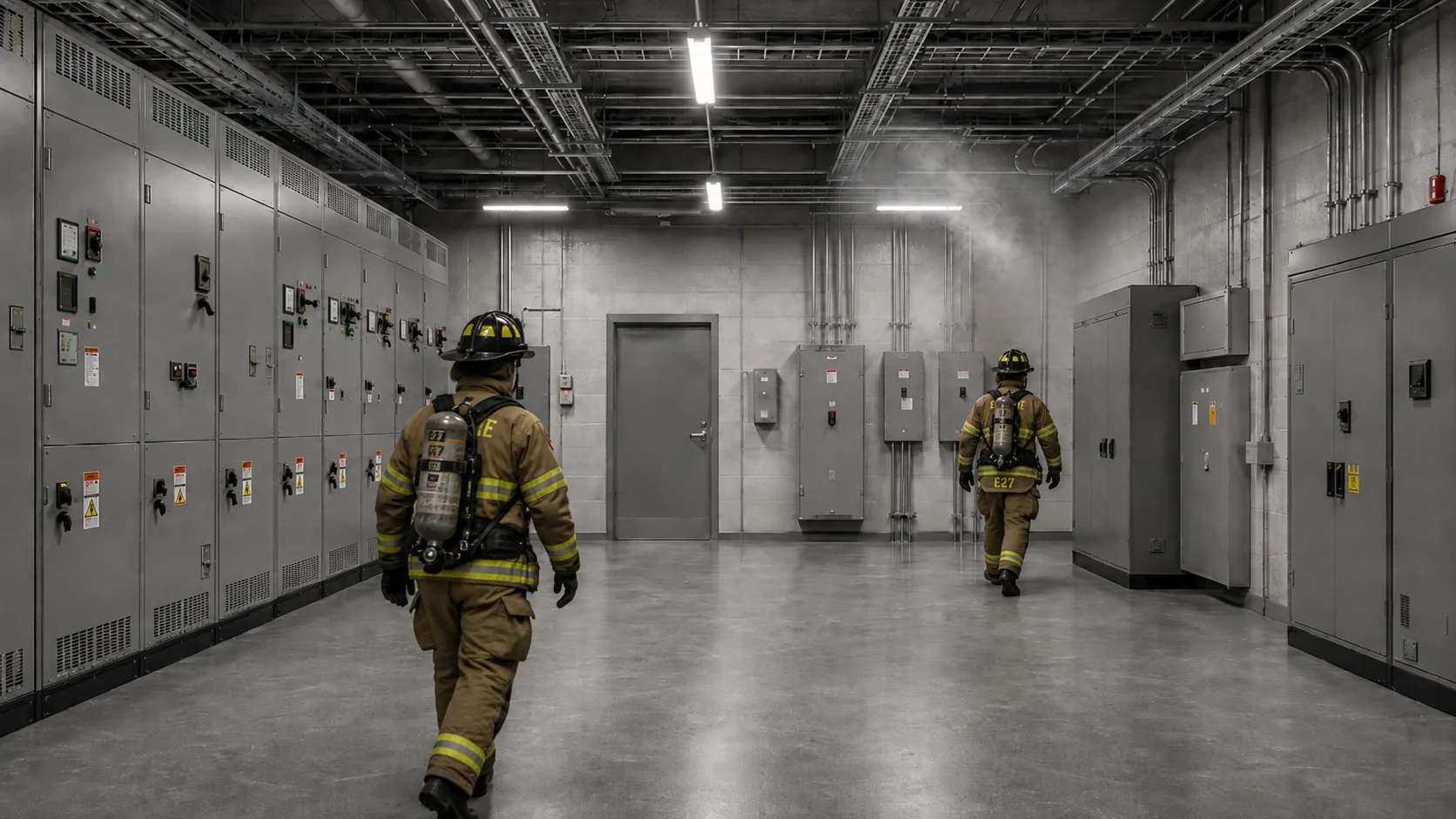
Hear what happened. Know where. Act faster.
Audio Examples
Hear the Result
Hear the quality your complete alert package can have.
Security & Access Control
Main Gate Left Open
“The main gate has remained open for more than two minutes.”
--:-- / --:--
access-main-gate_open_v1.mp3
Security & Access Control
Emergency Door Opened
“Warning: Emergency door opened in area four.”
--:-- / --:--
security-emergency-door_v1.mp3
Server Room
Server Room Overheating
“High temperature detected in the server room. Please check the cooling system.”
--:-- / --:--
server-room_overheating_v1.mp3
Smart Building
HVAC Fault
“Air conditioning fault detected on floor 5.”
--:-- / --:--
smart-building_hvac-fault_v1.mp3
Industrial
Production Line Pressure Drop
“Air pressure on the production line is below the allowed value.”
--:-- / --:--
industrial-production-line_pressure_v1.mp3
Logistics
Pallet Ready for Pickup
“Pallet number twenty-seven is ready for pickup at station 3.”
--:-- / --:--
logistics_pallet-ready_v1.mp3
Fire Detection
Smoke Alert
“Smoke alert received on the second floor.”
--:-- / --:--
fire_smoke-alert_v1.mp3
CCTV / Restricted Area
Motion in Restricted Area
“Motion detected in restricted area ten. Please check the recorded video.”
--:-- / --:--
cctv_restricted-area-motion_v1.mp3
The Process
How It Works
- 01
Send Your Alert List
Send an Excel or CSV file with your alert list.
- 02
We Prepare and Adapt the Voice Messages
We prepare an initial voice sample and adjust wording as needed.
- 03
Pronunciation and Wording Are Reviewed
Every line is reviewed for pronunciation and wording, and corrected where needed.
- 04
Receive an Integration-Ready Package
Receive organized, consistent audio files ready to integrate into your system.
What You Receive
Clear. Consistent. Ready for your system.
- An audio file for every alert on the list
- Consistent voice and style
- Delivered as MP3 or WAV, with consistent audio format and volume across all files
- Wording and pronunciation refinement
- Organized, consistent file naming
- Human quality review before delivery
- Future additions in the same approved voice and style
- Support for large-scale alert lists, tailored to your system's terminology
FAQ
Frequently Asked Questions
Is this only text-to-speech conversion?
No. Beyond producing the voice, we review the alert list, correct wording and pronunciation, apply human quality review to every file, and keep the entire package consistent.
What list formats are accepted?
Excel or CSV files. If you have a different format, contact us and we'll confirm compatibility before starting.
How long does production take?
Timing depends on the size of the alert list. After reviewing your list, we'll come back with a clear time estimate before production begins.
Can we receive a sample before committing?
Yes. Send a sample alert list and we'll respond with a proposal and a voice sample before starting full production.
Get Started
Test it with your own alarm messages
Send us up to 5 alarm lines. We'll create a custom voice sample so you can evaluate the voice, pronunciation, and delivery before discussing a full project.
You can also contact us by email: info@rodmansystems.com